PLC Error Codes: What Do RUN, STOP and ERROR LEDs Mean?
Read PLC fault codes and RUN, STOP and ERROR indicators using the CPU model, event history, Delta D1004 and Siemens diagnostics.
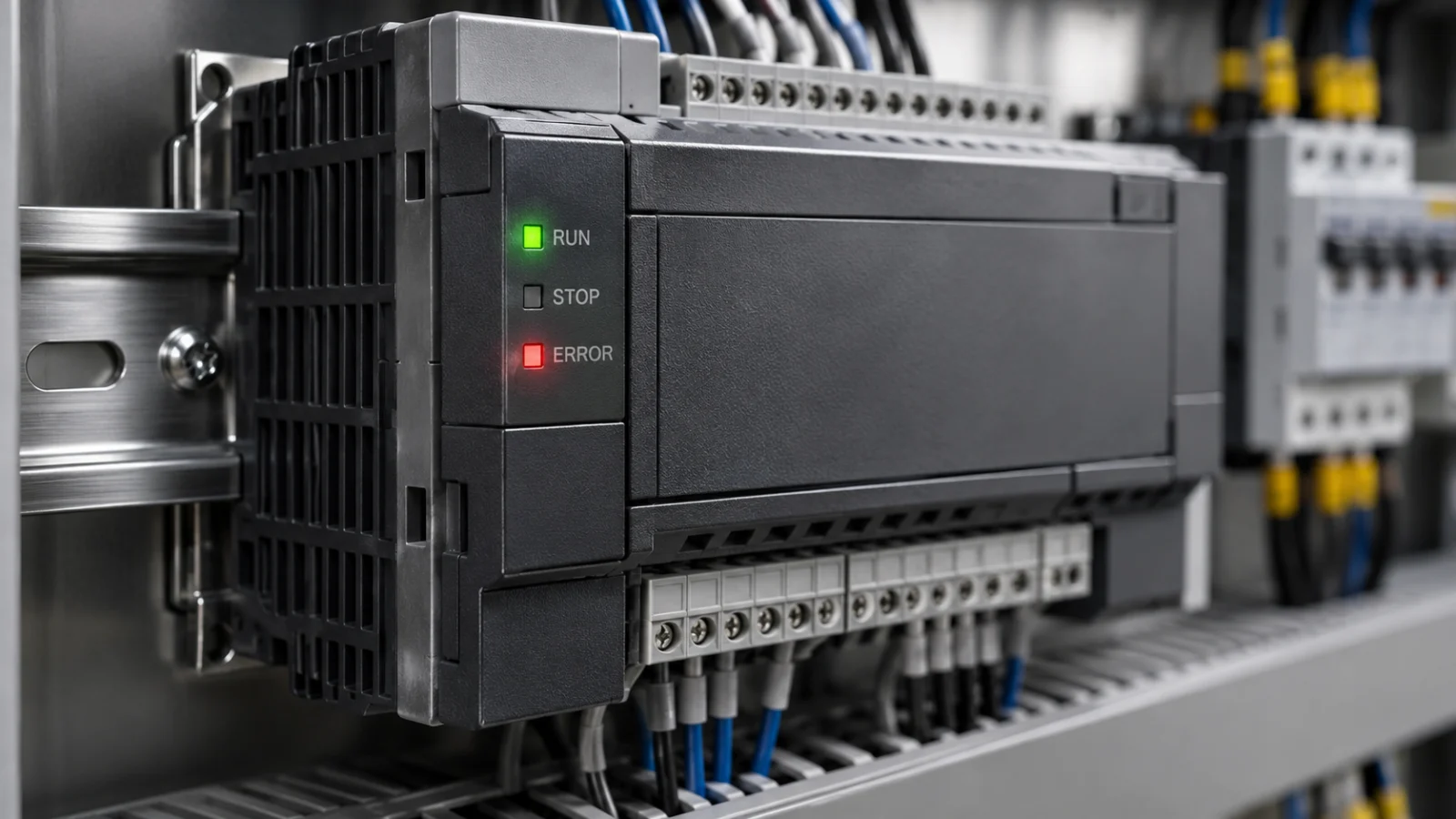
RUN, STOP and ERROR indicators are starting clues, not a complete fault diagnosis. Read the exact CPU model, whether the LED is steady or flashing, and the diagnostic record together. Do not apply one manufacturer’s LED table to a different controller.
A stopped machine does not automatically mean a failed PLC. A communication loss, module mismatch, operating-mode change or missing process permission can also stop production. Use the following sequence before replacing hardware or transferring a new program.
What should you record first?
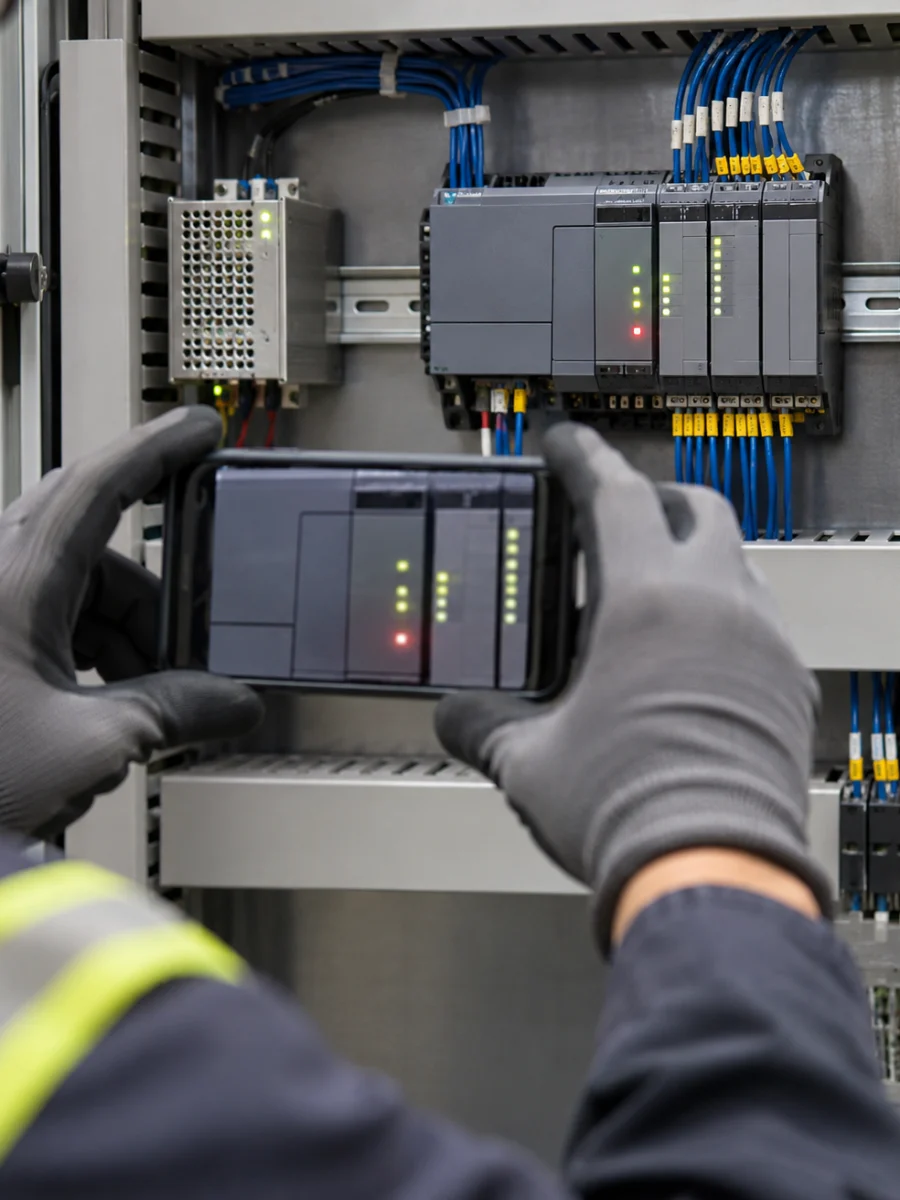
Photograph the CPU label and its indicators together. If an LED flashes, record a short video. Note the time and what happened immediately beforehand: a power-up, product change, replaced module or program transfer.
Identify where the message appears. A CPU ERROR indicator, an operator-panel alarm and a drive fault belong to different diagnostic sources. An HMI message may be a process alarm defined by the machine programmer rather than a native CPU error.
What do RUN, STOP and ERROR generally tell you?
RUN does not guarantee that the machine should move
A CPU in RUN does not establish that every process permission is satisfied. The program may be waiting for a door condition, pressure, product sensor, recipe or another prerequisite. Inspect the relevant inputs and sequence step rather than relying only on the operating-mode indicator.
For a filling line that detects a bottle but will not start its cycle, our bottle-detected-but-no-filling guide develops this distinction.
Find out why the controller entered STOP
STOP alone is not proof of hardware damage. Establish whether a user command, engineering operation or diagnostic event changed the operating mode. Review the event history and safe machine condition before attempting to force a mode change.
Steady and flashing ERROR indications are not interchangeable
As a model-specific example, Siemens’ S7-1200 V20 documentation describes steady green STOP/RUN as RUN, steady yellow as STOP, and alternating green/yellow as STARTUP. A flashing red ERROR indication can have different diagnostic causes. Use the correct model’s LED table; do not generalize this example to other CPU families.
Where do you find a PLC error code?
- Identify the device: Is the code from the CPU, an I/O module, a communication module, the HMI or a drive?
- Keep the full record: Record every character, subcode, module or channel detail and timestamp. “A red light is on” is not enough to isolate the fault.
- Use the matching manual: Check the product family, hardware and firmware version associated with the diagnostic description.
- Check the number format: Distinguish hexadecimal from decimal display so that two representations of the same value are not mistaken for separate faults.
For example, Delta’s relevant DVP-ES2/EX2/SS2/SA2/SX2/SE/TP manual identifies D1004 as a syntax-check error-code register. D1004 is the register address; its stored value is the code. Do not extend that register definition to every Delta controller. Use the matching DVP documentation and our WPLSoft versus ISPSoft guide when identifying the development environment.
Look for the first event, not only the last alarm
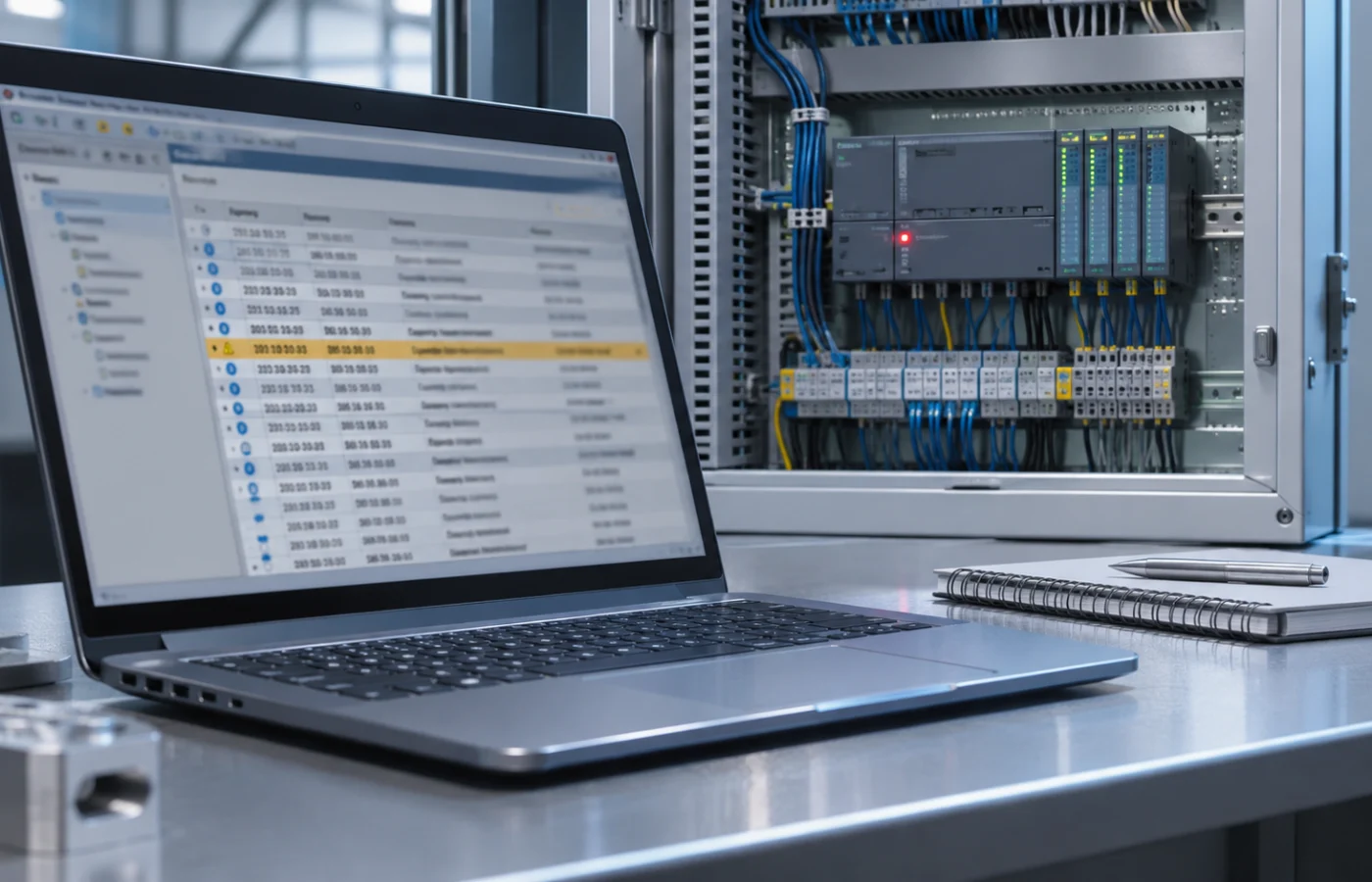
An initial failure can produce several follow-up alarms. An unavailable remote station might generate a communication alarm followed by loss of cycle permission. The message left on the screen may describe the consequence rather than the original cause.
Siemens’ diagnostics buffer provides time-related operating-mode changes and diagnostic events for inspection. Use the diagnostics-buffer documentation to compare records around the onset of the fault. Note an incorrect CPU clock: a timestamp alone is not sufficient to reconstruct the event sequence.
The PLC is in RUN, but the machine does not operate
- Is automatic mode selected, and is the machine waiting for a recipe or operating permission?
- Does the sensor value appear at the relevant PLC input as well as on the HMI?
- Does a drive or remote I/O device report its own fault?
- Which sequence step is waiting, and what condition allows it to advance?
If screen values are not updating, follow the HMI-to-PLC communication checks. A stale HMI value does not prove the current state of a PLC input. Do not bypass safety inputs or force outputs to test a machine; use authorized technical personnel.
What should you preserve before a reset?
Save the exact code, event list, LED video and last change. Reset and power-cycle behaviour varies by CPU, and some temporary evidence may no longer be visible afterwards. A factory reset, memory erase or program replacement is not equivalent to reading a diagnostic record.
After correcting the cause, test the machine under controlled conditions. Check that the fault does not return and that the expected cycle completes correctly. Record the actual change in the maintenance log; “reset performed” alone provides little help during the next failure.
What information helps a support request?
Send the CPU model, LED video, complete code or message, event time, last change and available project information. Kedi Machine provides PLC programming and automation support for existing machines. This guide helps you collect useful evidence and find the right diagnostic table; it does not replace the table for your specific device.