Delta PLC Programming: Should You Use WPLSoft or ISPSoft?
Choose Delta PLC programming software by CPU model and project: WPLSoft, ISPSoft, DIADesigner exceptions, source files and communication checks.
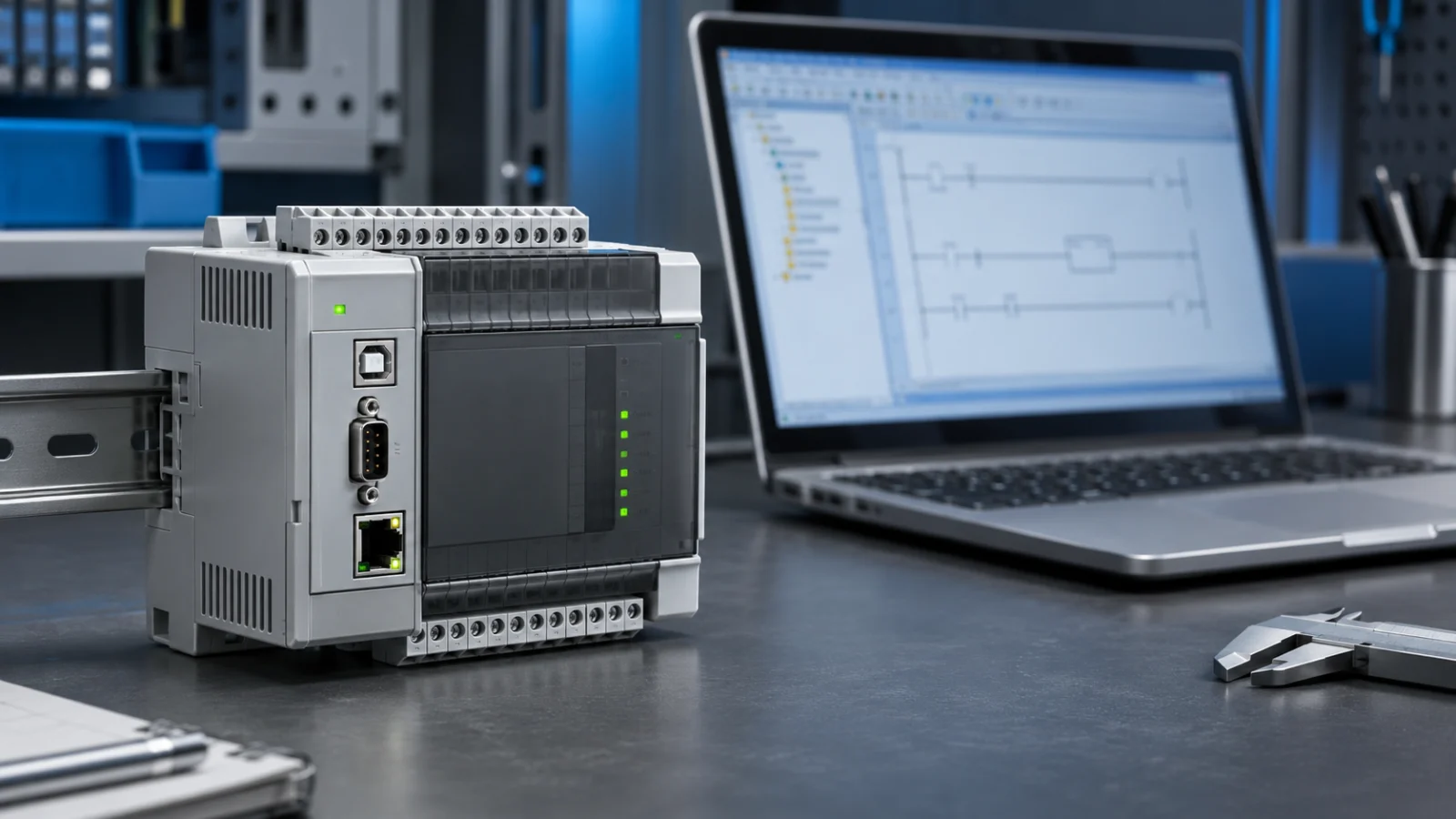
Choose WPLSoft or ISPSoft from the exact PLC model and the project you already have. Keeping WPLSoft may make sense for a supported DVP controller with an existing WPLSoft project. ISPSoft is worth checking for modular projects and supported AS/AH controllers. Some newer Delta models require DIADesigner instead, so the choice is not always between these two tools.
This guide helps you identify the right software before opening an old project, connecting to a machine or transferring a Delta PLC program. A newer editor is not automatically compatible with every CPU.
Start with the full CPU model, not just “Delta DVP”
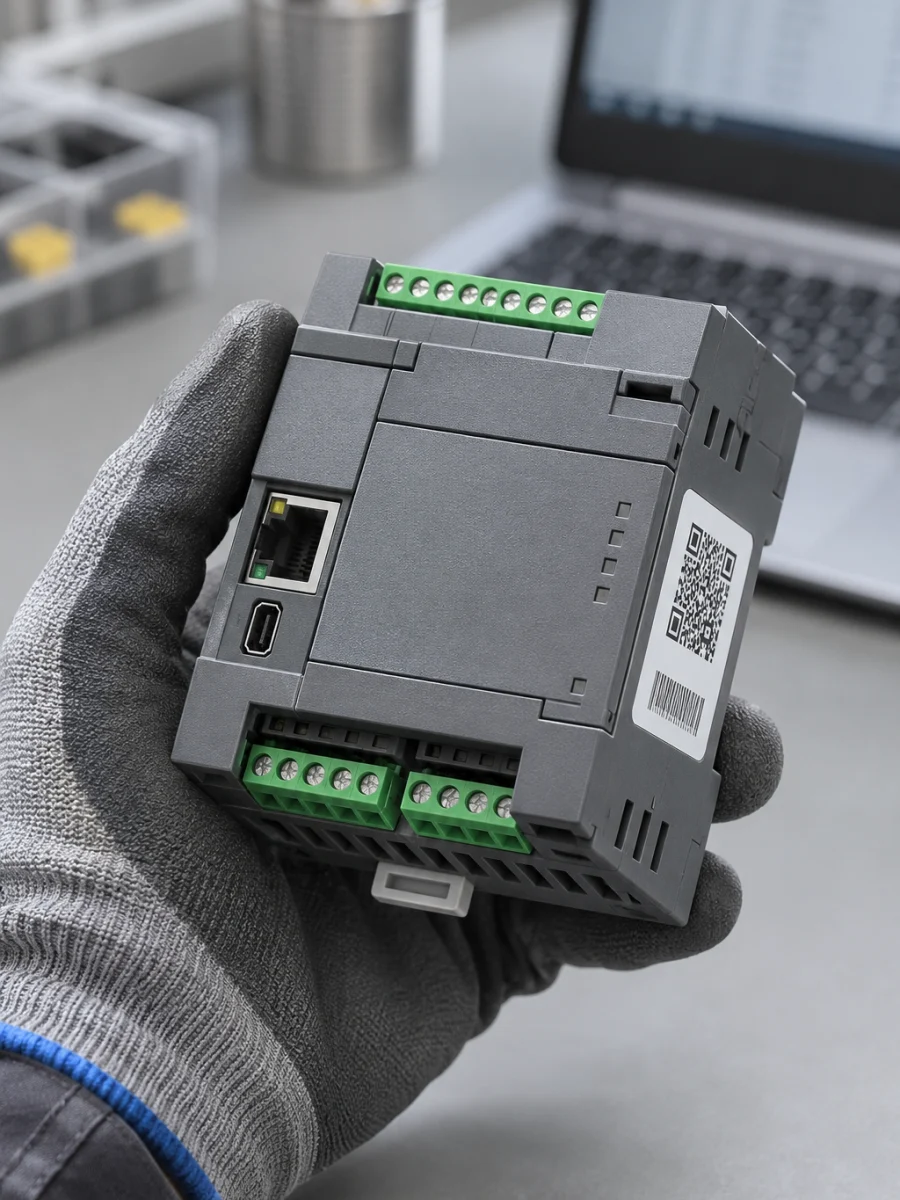
Read the full product code on the CPU. Record the firmware or hardware information where available, and find out which editor created the existing project. Do not use the HMI screen model as the PLC model: these can be separate devices and separate projects.
DVP-SS2, DVP-ES2 and DVP-ES3 share a family prefix, but that prefix alone does not determine software compatibility. Delta’s ES3/EX3/SV3/SX3 manual specifies ISPSoft or DIADesigner for ES3, and DIADesigner for ES300TEC, EX3, SV3 and SX3. Check the exact controller manual before relying on an older general compatibility list.
If you have the machine builder’s project archive, preserve an untouched copy first. Do not experiment with conversions on the only original file.
When should you consider WPLSoft?
WPLSoft is one of Delta’s programming tools for the DVP family. It can be a practical choice for inspecting an existing WPLSoft project or making a limited change on a supported CPU. This does not mean that every DVP model supports WPLSoft; check the controller and software release together. The Delta DVP catalogue distinguishes the programming tools.
- Does the WPLSoft release support the CPU actually installed?
- Do you have an editable source project from the machine builder?
- Does the requested change belong in the PLC program, an HMI recipe or a drive parameter?
Replacing a working machine’s development environment merely because another editor is newer may add unnecessary conversion and testing work. Define the required change and a rollback route first.
What is different about ISPSoft?
ISPSoft is not simply a different-looking interface. Delta highlights modular programming and reusable function blocks. That structure can be useful when a filling machine repeats station logic or shares alarm handling across operating sequences. Delta’s WPLSoft and ISPSoft comparison explains this distinction.
Delta lists ISPSoft for AH, AS and DVP families, subject to the exact controller and software version. Think about maintenance as well as initial development: clear naming, comments and reliable archives matter whichever tool you choose.
Can ISPSoft open a WPLSoft .dvp file?
The ISPSoft manual describes opening a WPLSoft .dvp file and saving it as an .isp project. This is a conversion capability, not a promise that every project can be transferred to a machine unchanged. Preserve the original; then verify the target CPU, compilation results and operating behaviour of the converted copy. See the project-file section of the ISPSoft manual.
Check the connection before transferring a program
- Controller selection: Compare the project’s target CPU with the physical product label.
- Connection type: Identify the USB, serial or Ethernet interface supported by that CPU. A cable that fits is not proof of a valid programming connection.
- Communication settings: Check the COM port and serial parameters, or the IP and network configuration. When using ISPSoft, review the COMMGR communication configuration as well.
- Read and verify first: Confirm that you are connected to the intended controller. Do not send an empty program as a first response to a connection error.
If the issue is at the operator screen, use our HMI-to-PLC communication troubleshooting guide. Replacing the PLC program is not a universal fix for a communication fault.
Keep upload and download directions clear
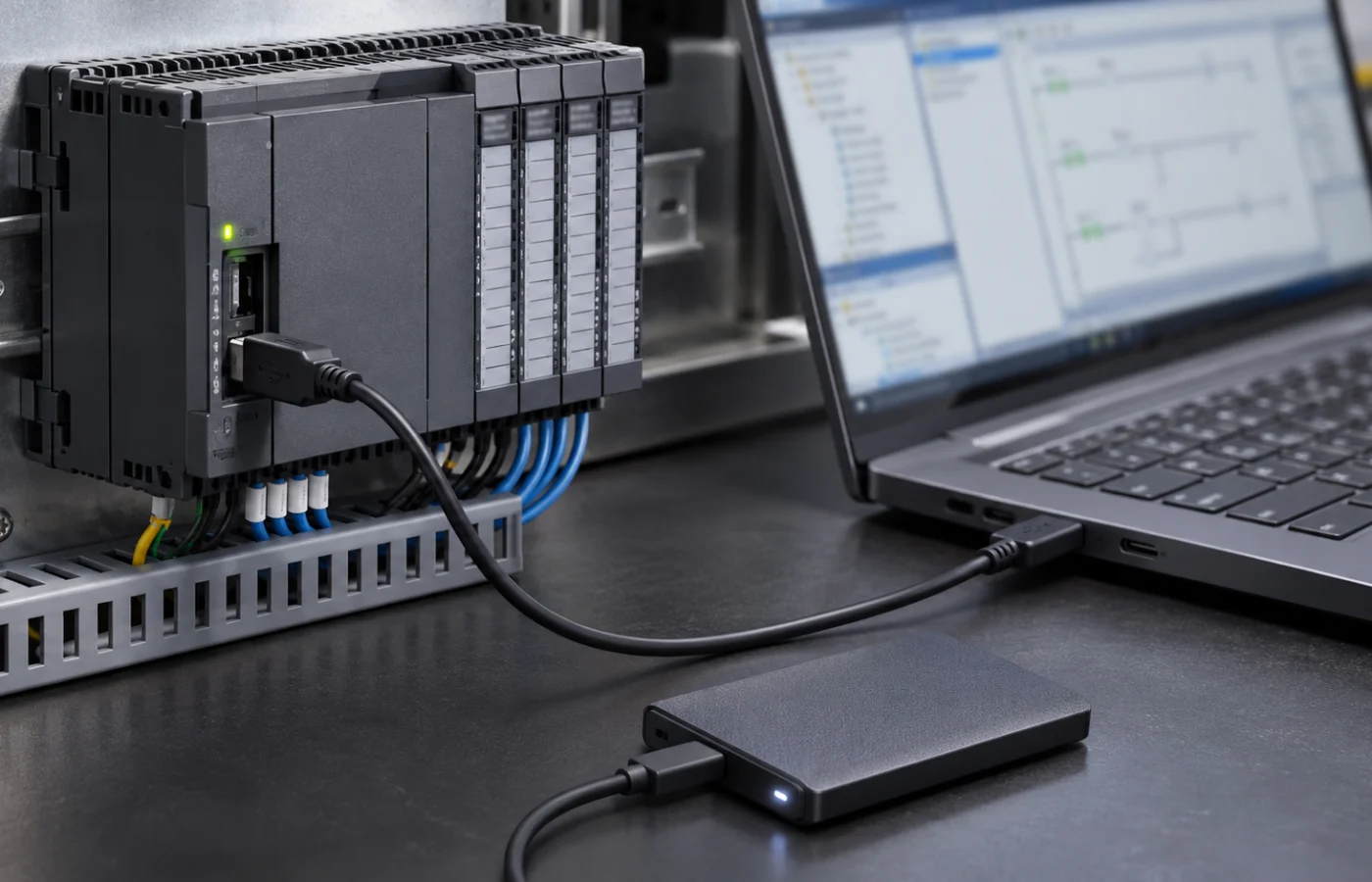
Reading from the PLC to a computer and sending a computer project to the PLC are different operations. Read the transfer-direction prompt before continuing. A program read from the device may not contain the full comments and structure of the original source project.
Before modifying a working machine, preserve the program archive, relevant parameters and HMI recipes separately. Evaluate possible output movements and carry out transfers and tests with authorized technical personnel while the machine is in a safe condition.
Common questions
Should I use WPLSoft for an AS or AH controller?
Do not treat WPLSoft as a universal editor for every Delta family. Use the software and release specified for your AS/AH CPU, and check ISPSoft support against that model.
Can I recover everything from the PLC without a source file?
Not necessarily. Read permissions, protection and CPU capabilities affect what can be retrieved. The original project, symbols, comments and HMI source may still require the machine builder’s archive.
Where should I download WPLSoft or ISPSoft?
Use the official Delta Download Center and search by product model. Check release notes, supported operating systems and communication drivers before installation. An operating-system list in an old manual does not establish support in a current release.
What should you prepare for a machine software request?
A CPU-label photograph, the available project file, the exact error and a description of the required change are useful starting points. Kedi Machine provides PLC programming and automation software support for existing machinery too; purchasing a machine from us is not required.