How to Program an HMI: Tags, Alarms and a Recipe Example
HMI programming explained through a filling-machine example: compatible software, PLC tags, buttons, alarms, recipes and commissioning checks.

Programming an HMI means designing screens, defining PLC data exchange and handling operator commands in a controlled way. Identify the panel and compatible software first, establish communication and tags, then connect buttons, alarms and recipes to that data. Finish by testing behaviour rather than only screen appearance.
This guide uses a simple liquid filling machine as a design example. The tag names are illustrative; they are not a universal address list or a ready-to-download machine project.
Which software is needed for HMI programming?
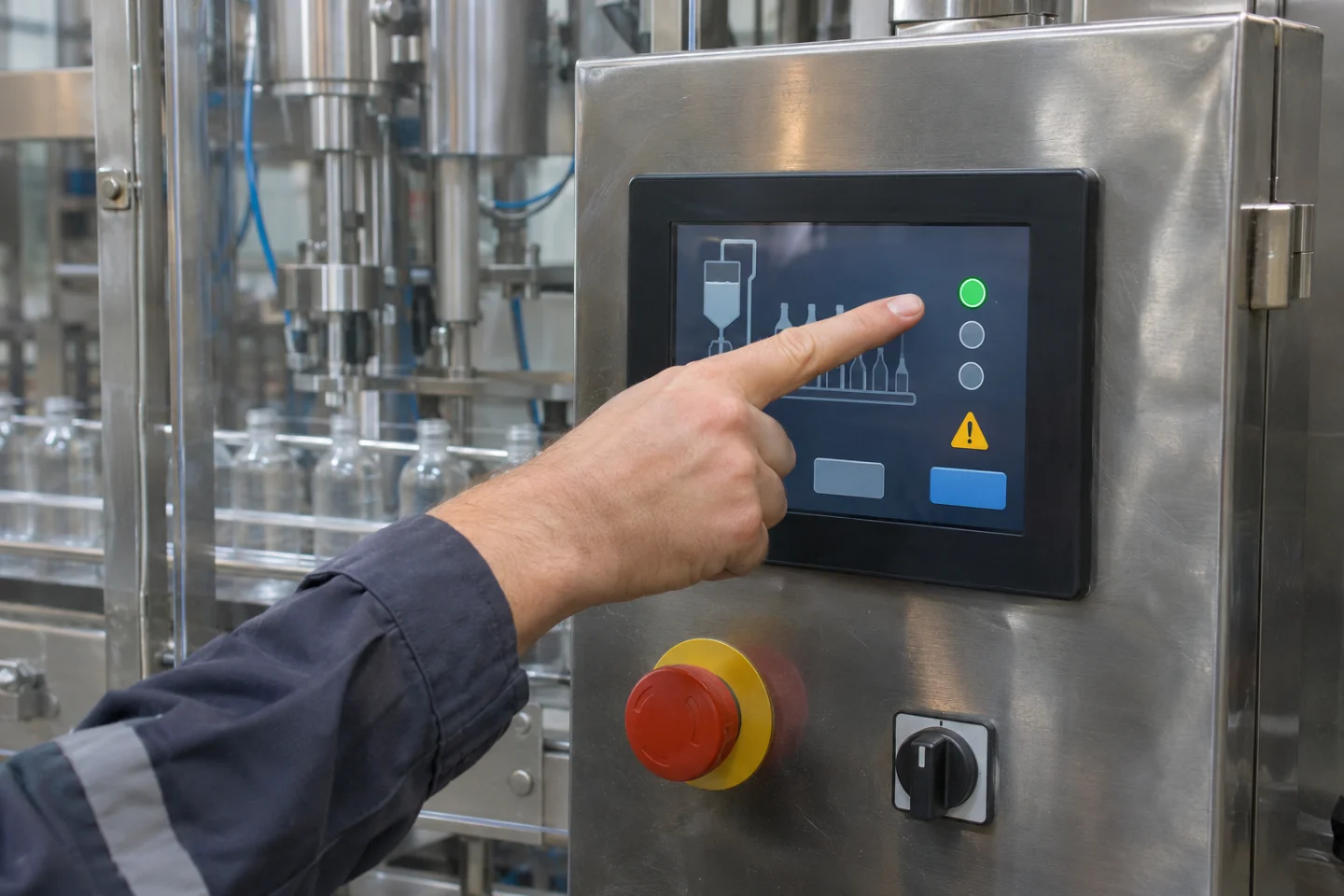
Match the complete panel model and project version. Weintek provides information about EasyBuilder Pro; Samkoon's official support centre lists SKTOOL, SATOOL and other family-specific tools. A Samkoon brand name alone does not establish that every panel uses the same application.
Confirm resolution, PLC driver support and communication ports together. Preserve a source-project copy before opening or converting it; upgrading a project can affect the return path to an older environment.
How should you define tags before drawing screens?
Record meaning, data type, engineering unit, read/write direction and allowed range. Match addresses or symbolic names to the actual PLC project. A training example might contain:
BottlePresent: Bottle detection read from the PLC.StartRequest: An HMI request to the PLC, not a direct valve output.FillTimeMs: A filling parameter in milliseconds, with limits defined by the machine design.CycleState: The current process step reported by the PLC.ActiveAlarmCode: An application-defined active alarm indication.
Scaling matters as much as data type. Displaying a PLC value of 1,000 milliseconds as 1,000 seconds is a serious interpretation error. Document where conversion occurs.
Should a start button write directly to an output?
In this example, the button sends a request. The PLC decides whether to accept it according to mode, process conditions and current state, or reports why it is waiting. The HMI's running indication should follow PLC feedback, not merely change colour because the button was touched.
Define press/release behaviour and how the request clears. Test communication interruption and panel restart so that an old command is not inadvertently replayed. A normal HMI stop button does not replace the machine's safety system.
How should overview, alarms and recipes be separated?
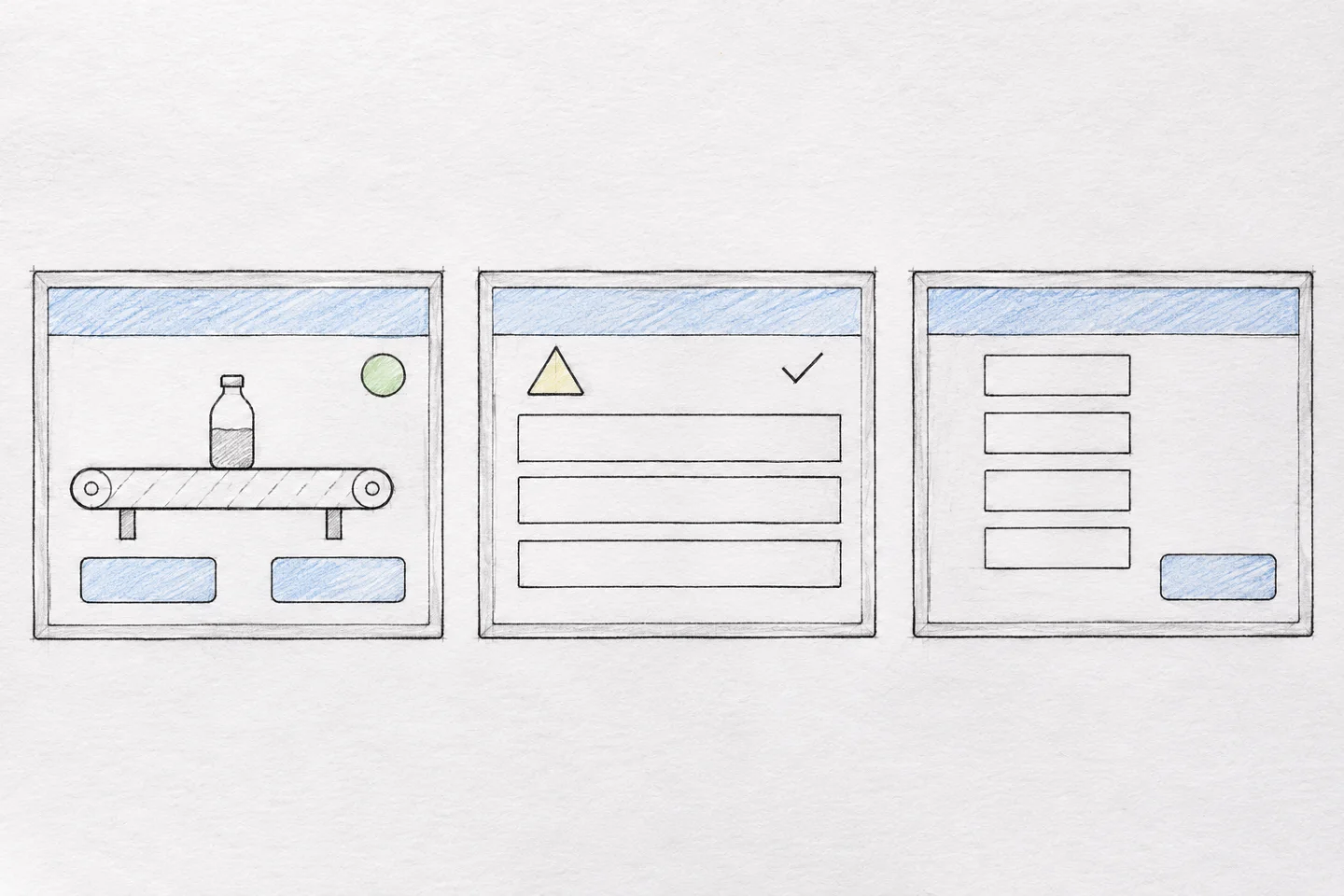
The overview should explain the current step, waiting reason and next action. Avoid putting every adjustment on one page. Keep frequent tasks visible and separate maintenance settings with appropriate access. Use concise status text as well as colour.
What makes an alarm useful?
For a defined condition, “Filling not started: waiting for bottle” is more useful than an unexplained “Error 12”. Distinguish active, cleared and acknowledged states. Acknowledging an alarm confirms observation; it does not remove the physical cause.
For a vendor-specific configuration example, see Weintek's alarm guide. Timestamping, priority and history retention still need project-specific decisions.
Does selecting a recipe immediately apply it to the PLC?
Not necessarily. Selecting or editing records and applying values to the running process are separate design decisions. A sensible approach validates proposed values, applies them at an appropriate machine state and displays the PLC's result feedback. Make product identity, units and active recipe revision visible.
The Weintek Recipe Database manual provides one data-management example. Having a recipe database does not automatically guarantee safe, simultaneous application of every parameter in your control program.
What should commissioning test?
- Displayed values and units agree with actual PLC data.
- Invalid or out-of-range input is handled in both interface and control logic.
- Stale values are not presented as live information after communication loss.
- Start requests, acknowledgements and recipe application return the correct feedback.
- Power recovery, access roles and restoration from backup are checked under controlled conditions.
If communication fails, use our HMI–PLC communication guide rather than repeatedly downloading screens. Kedi Machine can develop HMI and PLC software for existing machines; panel details, the current project and the required sequence form a useful starting brief.