PLC Programming: Software, Cables and Your First Connection
What do you need to program a PLC? Understand compatible software, programming cables, backups and a safe first connection before changing a machine.

To program a PLC, you need compatible engineering software, a computer that supports it and the connection interface specified for the controller. An operating machine also requires an existing-project backup, a hardware record and a controlled test plan. One program and one USB cable will not connect to every PLC.
For a beginner, the first goal is a small training project. For a business commissioning software for an existing machine, it is identifying the installed system and defining the required changes.
Which controller details should you identify first?
Record the complete CPU model, order code, firmware and expansion modules, not just the brand. Two controllers in one family may have different interfaces or software support. Clear photographs of the label and ports are useful.
A Siemens, Delta, Samkoon or Omron name alone is insufficient to select the engineering environment. For a combined PLC/HMI device, establish how the control logic and operator-interface projects are managed.
Which software is used for PLC programming?
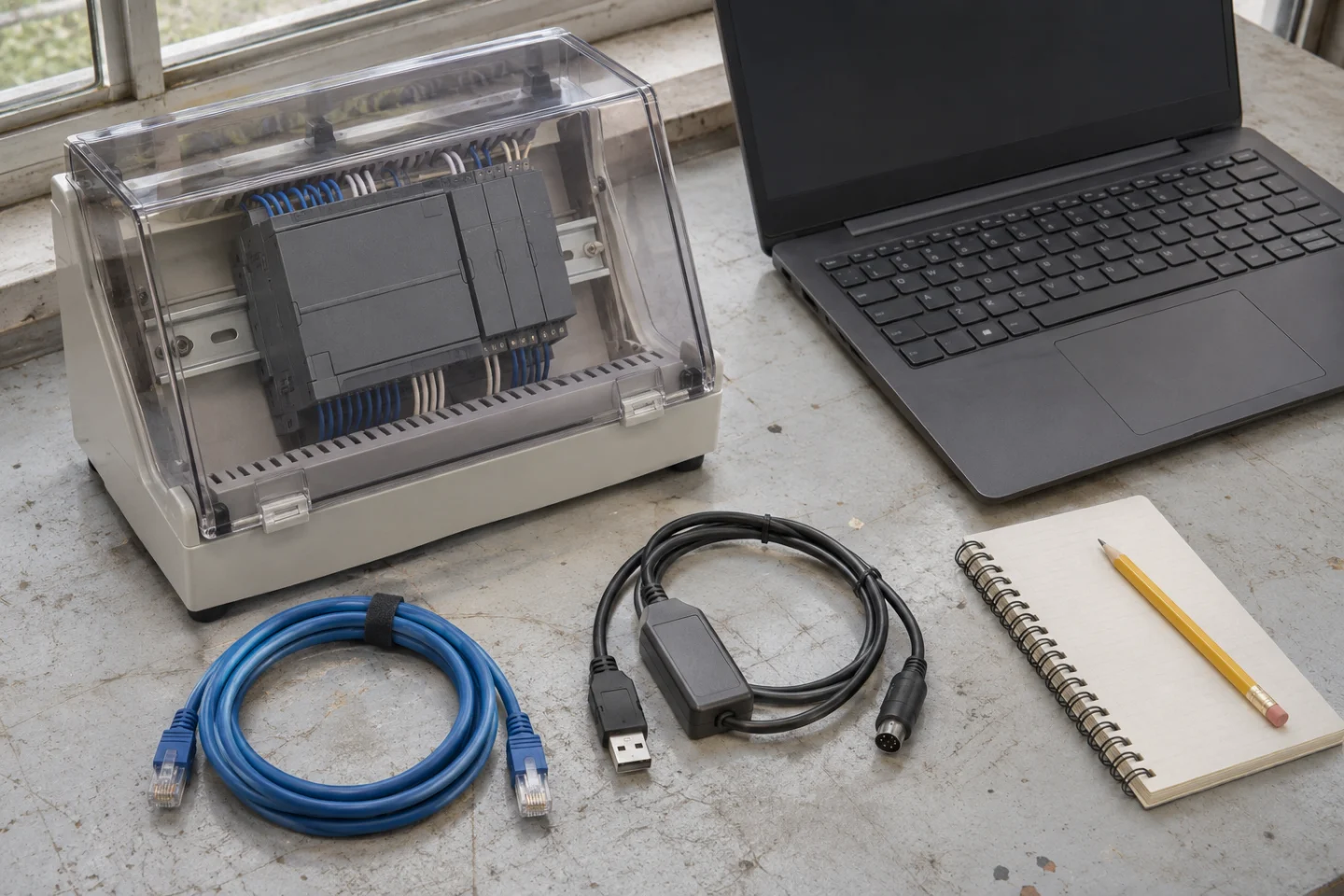
Choose according to CPU family, hardware/firmware compatibility and the version of the existing source project. For example, Siemens describes STEP 7 within TIA Portal as providing PLC configuration and programming. This does not imply that one installation supports every older Siemens controller.
Delta also has model-dependent choices. Use the official download centre to check supported controllers and system requirements rather than choosing an installer from a forum. Our WPLSoft versus ISPSoft guide explains specific selection issues.
Check operating-system support, disk space, memory and licensing for the selected release. A universal minimum-RAM figure is not a reliable specification across manufacturers.
Is an ordinary Ethernet or USB cable enough?
An Ethernet-equipped PLC may use a suitable network connection. A USB socket, however, may be intended for storage or service rather than programming. Serial connections depend on interface type, pinout, adapter and drivers. RS-232 and RS-485 are not interchangeable simply because connectors look similar.
- Identify the programming interface in the CPU manual.
- Check the supported adapter and its computer driver.
- For serial links, select the correct COM port and documented communication parameters.
- For Ethernet, check the computer adapter and addressing plan. Do not change an operating production controller's IP address just to experiment.
What is a sensible first-connection sequence?
- Prepare: Identify the source project, CPU and intended change. Agree a safe working condition with authorised personnel.
- Connect: Use the specified port and cable; avoid intervention at energised terminals.
- Identify: Search using the correct network adapter or COM port and match the discovered device to its label.
- Read first: Inspect device information and diagnostics before making changes. Connecting does not require downloading an empty program.
- Back up and test: Preserve existing files, compile changes and use simulation where supported, followed by controlled commissioning.
Are PLC software and HMI screens the same project?
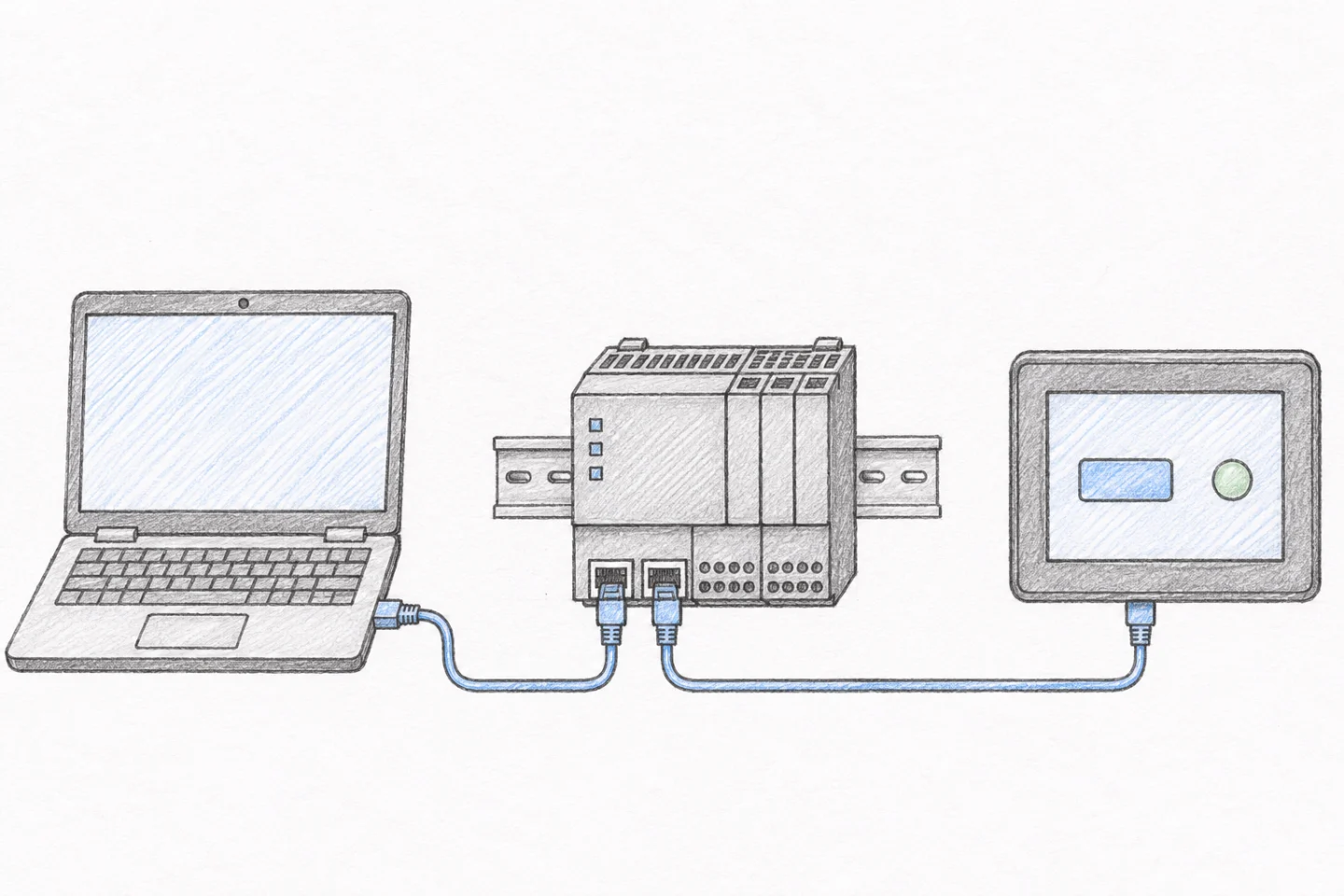
The PLC normally runs control logic while the HMI provides the operator interface. Sharing an engineering environment or housing does not make them one interchangeable file. Recipes, drive settings and communication configuration may need separate backups too.
Reading a program from a device is not necessarily equivalent to obtaining the complete editable source. Availability of comments, symbols and source information depends on the controller and protection settings. Confirm upload/download direction using the software's own terminology.
Can you learn without physical hardware?
Start with a simulator supported by the chosen environment. A training example can model bottle detection, a fill request, a timer and a completed-cycle state. It can help teach logic, but it cannot validate actual sensor delays, pneumatic motion or machine safety. Do not learn by forcing outputs on a working production machine.
What should you provide when requesting machine software?
Prepare PLC/HMI labels, existing source files, an I/O list or electrical drawing, a short cycle video and a specific change list. Kedi Machine can assess PLC and HMI programming for existing machines. Work outside Istanbul can be evaluated using remote access, shipment of suitable equipment or on-site commissioning as the scope requires.